What Is the Meta Pixel? A Plain-English Guide for Business Owners
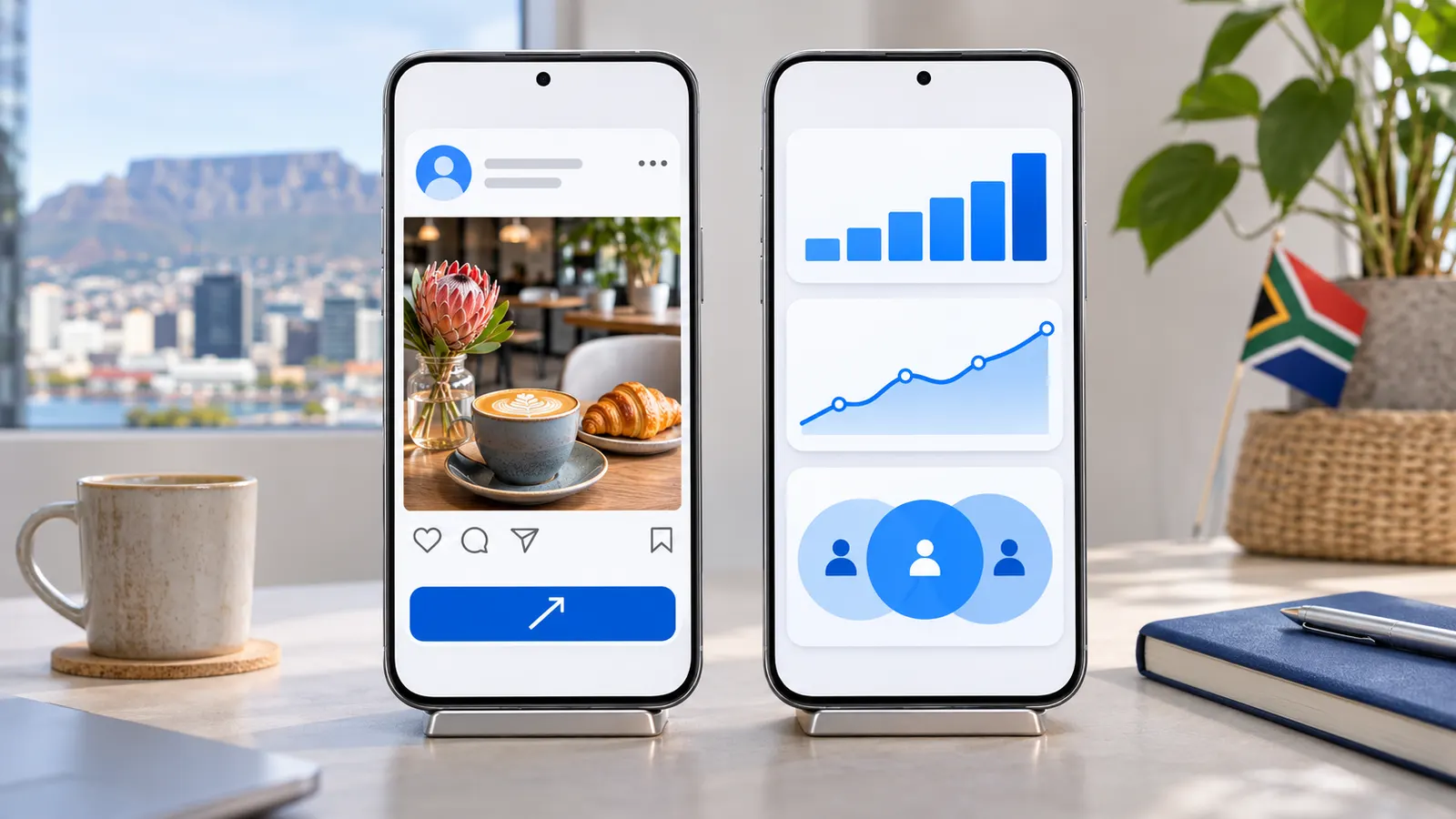
The Meta Pixel tells Facebook and Instagram which ads led to real enquiries. Here's what it does, what it doesn't do, and whether your business needs it.
By LeslieCorp3 min read
If you have run Facebook or Instagram ads, someone has probably told you to "install the pixel". It sounds technical, and it is often explained badly. Here is what it actually is, and whether your business needs it.
TL;DR — The Short Version
- The Meta Pixel is a small piece of code on your website that tells Meta (Facebook and Instagram) what people do after they click your ad.
- It lets you measure real results, like enquiries or sales, instead of just clicks and likes, and it helps Meta show your ads to people more likely to act.
- It does not improve your Google rankings. It only matters if you advertise on Facebook or Instagram.
What the Meta Pixel Does
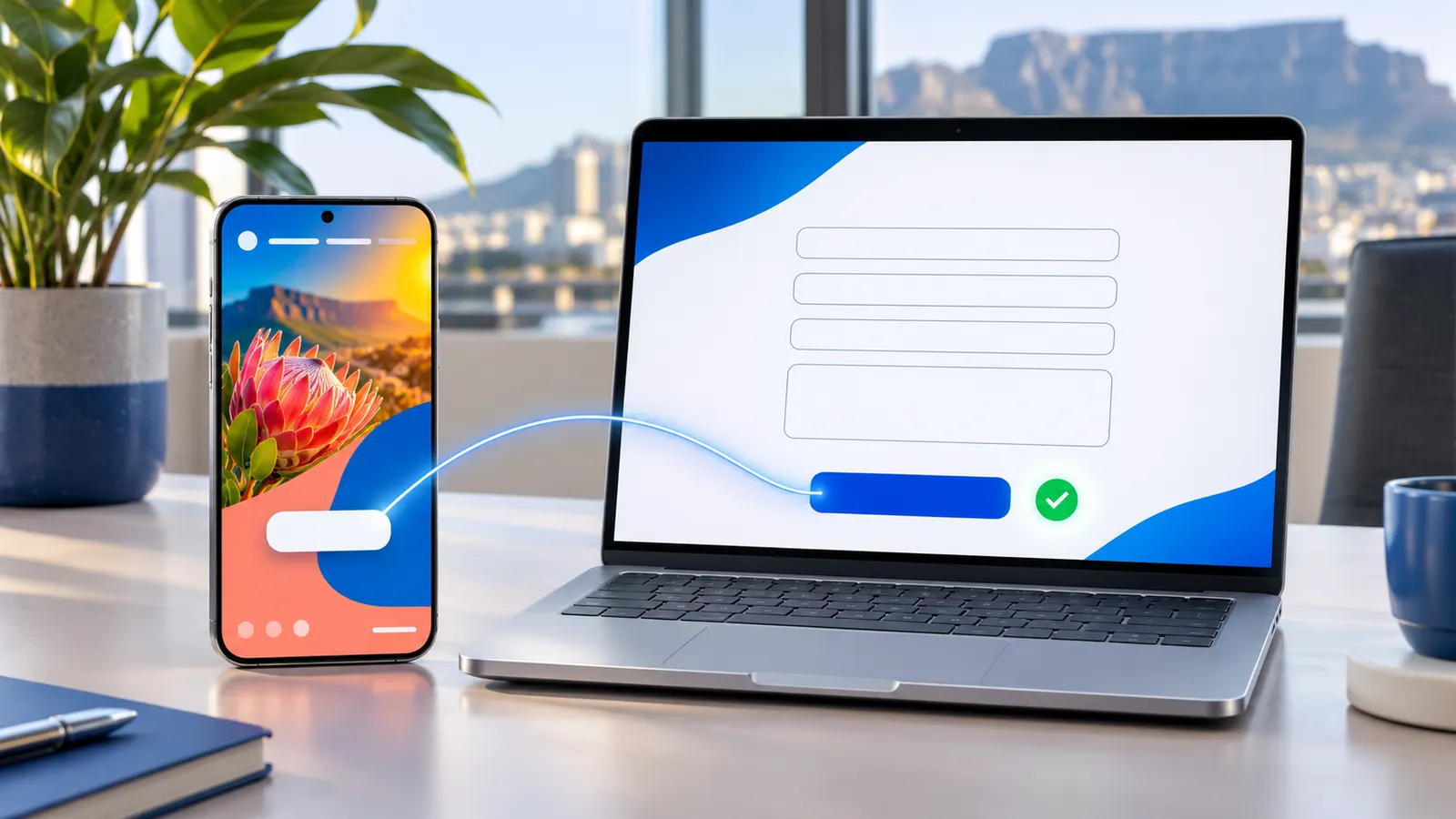
When someone clicks your ad and lands on your website, the pixel notes what they do next: which page they viewed, whether they filled in the contact form, whether they bought something. Those actions are called events.
That information flows back into your Meta ads account, which makes three things possible:
1. Measuring what you actually got
Without the pixel, Meta can tell you how many people clicked. With it, it can tell you how many of those clicks became enquiries, and what each enquiry cost. That is the number that matters to a business owner.
2. Better targeting
When a campaign is told to find people who submit enquiries rather than people who click, Meta uses the pixel data to look for more people like the ones who already did. Over time, that usually means better-quality leads for the same budget.
3. Reaching people again
The pixel lets you show ads to people who visited your website but didn't get in touch: a gentle reminder to someone who was already interested. This is called retargeting.
What the Meta Pixel Doesn't Do
- It doesn't help you rank on Google. Google doesn't use Meta's data, and adding the pixel won't move you up in search results.
- It doesn't bring visitors on its own. It measures and improves ads; without ads running, it has little to do.
- It isn't perfect. Privacy settings on phones (especially iPhones) and ad blockers mean some actions aren't recorded. The figures are a strong guide, not an exact count.
What About "Google Pixels"?
Google has its own tools that do different jobs:
- Google Search Console shows how your site appears in Google search: which searches you show up for, your positions and clicks. It needs no code on the page and is the most useful free tool for SEO.
- Google Analytics measures visitors on your website: how many, where from, which pages.
- The Google Ads tag does for Google Ads what the Meta Pixel does for Meta ads: it measures which ads led to enquiries.
None of these directly raise your rankings either. Rankings come from a fast, well-built website, useful content, and a strong Google Business Profile. The tools just show you what is working.
Privacy and POPIA
Tracking codes collect information about visitors, so South Africa's Protection of Personal Information Act (POPIA) applies. In practice that means your privacy policy should say what is collected and why, and visitors should be told about tracking cookies. Ask whoever installs the pixel how they handle this.
Every tracking script also adds a little weight to your pages, so only add the ones you actually use.
Do You Need It?
- Running Facebook or Instagram ads, or planning to? Yes. Without it, you are judging your ads on clicks and likes rather than enquiries.
- Only boosting the odd post? It is still useful, but a proper campaign gets far more from it. Our guide on boosting a post vs running a Meta ads campaign explains the difference.
- Not advertising on Meta at all? You don't need it. Focus on Search Console and your Google Business Profile instead.
The Bottom Line
The Meta Pixel is a measuring tool for Facebook and Instagram ads. Used properly, it turns your ad report from "people liked this" into "this cost us R X per enquiry", which is the only way to know if advertising is paying for itself.
We set up the pixel and conversion tracking as part of our Meta advertising service. If you are already running ads and aren't sure what they are bringing in, get in touch and we'll take an honest look.