How to Set Up Your Google Business Profile So Local Customers Find You
Your Google Business Profile decides whether you show up on Google Maps. Here's how to set it up properly, step by step, and the mistakes to avoid.
By LeslieCorp3 min read
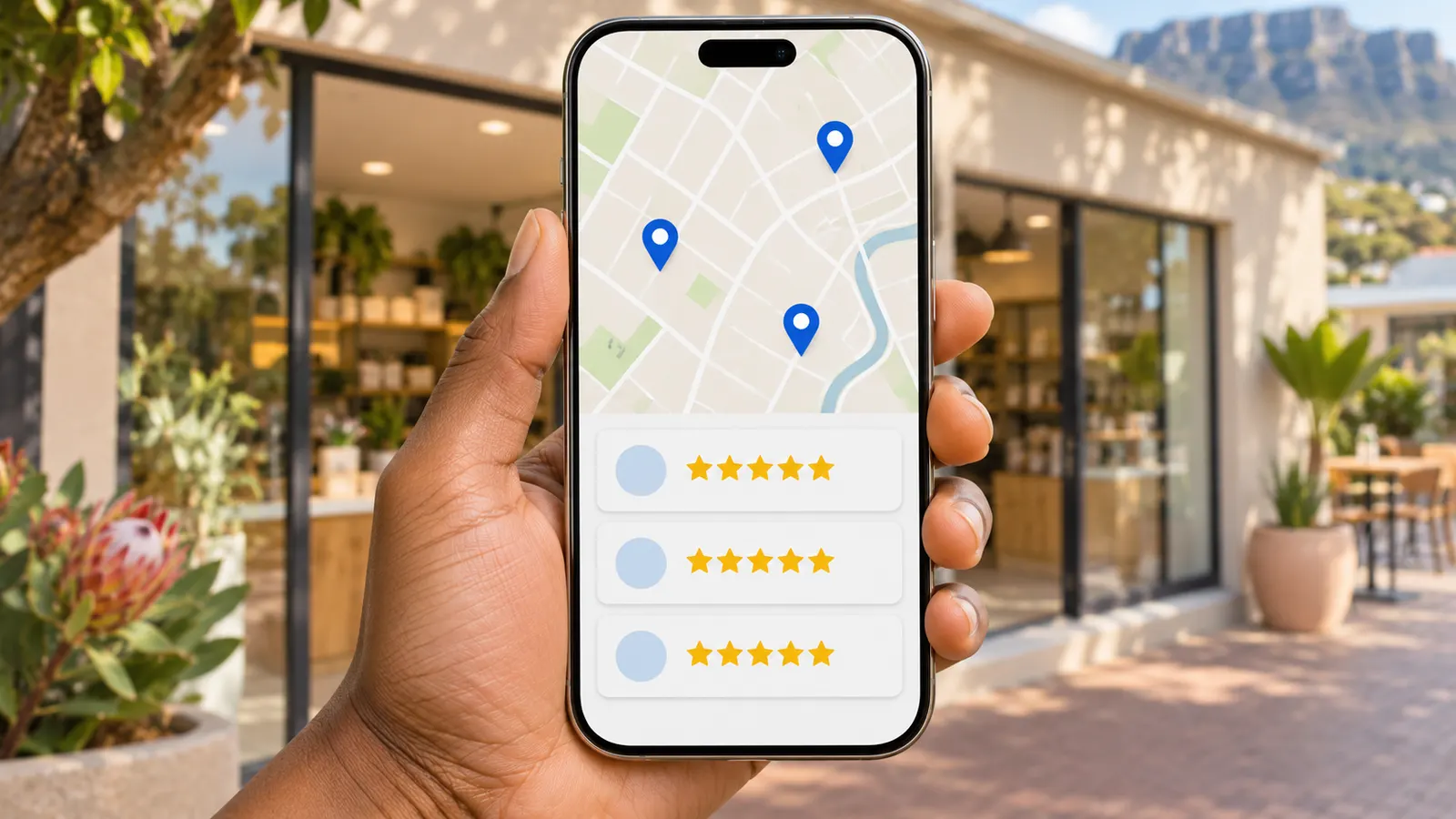
When someone searches "plumber near me" or "web design Boksburg", the first thing they often see isn't a list of websites. It is a map with three businesses on it. Those three come from Google Business Profile, and for many local businesses that map brings in more calls than the website does.
The good news: it is free, and most of what makes it work is within your control.
TL;DR — The Short Version
- Google Business Profile is the free listing that shows your business on Google Maps and in local search results.
- Get the basics exactly right: name, category, service areas, hours, phone number and website.
- Keep it alive with real photos, regular updates and replies to every review.
Step 1: Claim and Verify Your Profile
Search for your business name on Google. If a profile already exists, claim it; if not, create one at business.google.com. Google will ask you to verify that the business is yours, which can take a few days. Until you are verified, much of what you change won't appear.
Step 2: Choose the Right Primary Category
The primary category is one of the strongest signals Google uses to decide which searches you appear for. Choose the most specific one that describes your main service: "Website designer" rather than "Consultant", "Plumber" rather than "Contractor". You can add secondary categories for your other services.
Step 3: Get the Basic Details Exactly Right
- Business name: your real business name only. Adding keywords or towns to the name breaks Google's guidelines and can get the profile suspended.
- Phone number and website: the same ones that appear on your website.
- Hours: accurate, including public holidays.
- Address or service area: if customers come to you, show your address. If you go to them, hide the address and list the areas you serve instead.
Your name, address and phone number should match your website and other listings word for word. Small differences make Google less sure the listings belong to the same business.
Step 4: Add Your Services and a Proper Description
List each service you offer, with a short description and a price where you can. Then write a description of the business in plain language: what you do, who you do it for, and where. Write it for customers, not for Google.
Step 5: Add Real Photos
Upload photos of your work, your team, your premises or vehicles, and your logo. Real photos build far more trust than stock images, and profiles with photos tend to get more clicks. Add new ones every so often.
Step 6: Ask for Reviews and Reply to Every One
Reviews are one of the biggest factors in local rankings, and they are what customers read first. Ask happy customers for a review straight after a job, while it is fresh. Your profile has a "Get more reviews" link you can send them on WhatsApp or email.
Reply to every review, good or bad. A short, polite reply to a bad review often does more for your reputation than the review did damage.
Never buy reviews or write them yourself. Google removes them, and can suspend the profile.
Step 7: Keep It Active
Post an update every week or two: a recent job, a special, a useful tip. Answer questions people leave on the profile. An active profile tells Google, and customers, that the business is open and busy.
Common Mistakes to Avoid
- Stuffing keywords or town names into the business name
- Different phone numbers or addresses on the profile and the website
- Choosing a vague category
- Leaving reviews unanswered for months
- Setting it up once and never touching it again
How Your Website Fits In
Your profile and your website work together. Google checks that your website matches your profile, and a fast website with a clear page for each service and area gives Google more confidence to show you. Local pages, like our Boksburg web design page, are an example of the kind of page that supports a local listing.
The Bottom Line
For a local business, Google Business Profile is often the most valuable free marketing there is. Set it up carefully once, then keep it active with photos, updates and reviews.
If you want help getting your profile and website working together, see our SEO service or get in touch.